
Privacy-first VPN · Fast servers and our own apps
The VPN that stays online.
A connection that simply keeps working: fast servers, backup routes for the moment the main path slows down, and no record of what you do online. Our apps for phone and desktop get you connected in two minutes.
- No browsing logs
- Up to 10 devices
- Card, SBP & Telegram Stars
- Email-only signup

Free test · No account
A working VPN for 30 minutes
Pick a country and get a subscription link right now. It works for 30 minutes — no account, no card. Test it on your own connection before you decide.
Exit country
Your test is live
Connect now
Paste this link into a client and connect. It stops working after 30 minutes.
Could not copy — select the link and copy it by hand.
Could not draw the QR code. Copy the link instead.
You have already used your free 30-minute test.
Too many tests have been started from your network today. Try again tomorrow.
That country has no free capacity right now. Try another one.
Why a VPN starts to drag
It is usually not your internet: the line is oversubscribed, there is only one path, and the protocol was never built for a weak mobile signal.
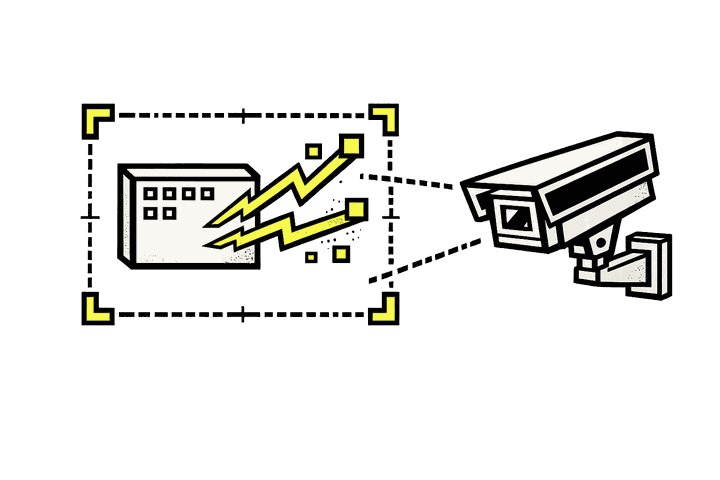
An oversubscribed line
Cheap services put thousands of people on one server. By the evening the line is full, and video stalls every few seconds.
A modern protocol
We use a current protocol built for mobile networks: it recovers quickly from packet loss and does not fall apart on a weak signal.

More than one path
Every subscription carries backup routes. If the main one slows down or stops answering, your app moves to the next on its own.
Features
Built for privacy first
Every design decision starts from the same question: what happens if someone is watching the wire?
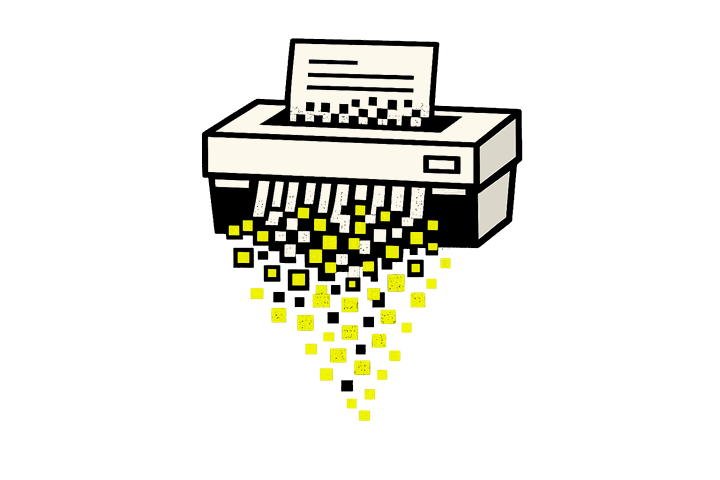
Private by design
We don't log the sites you visit or what you do online. The service keeps only your email, your subscription and anonymous traffic totals — the minimum it needs to run.

Real speed
Fast servers and a connection method built for weak mobile signal. Video calls and HD streaming hold up.
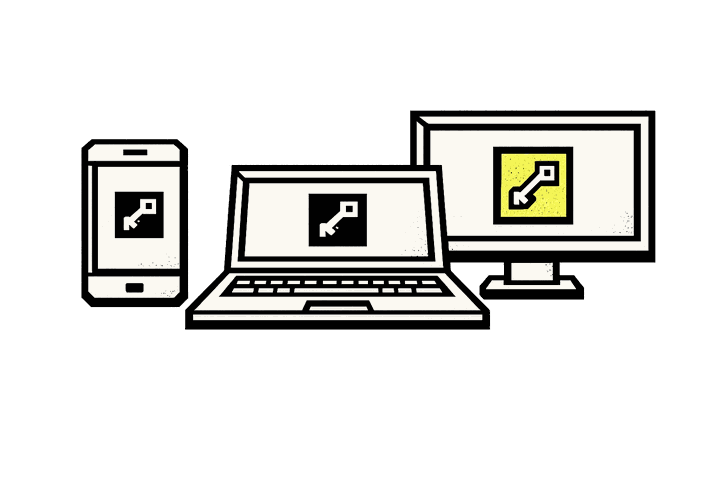
One plan, many devices
Every device gets its own key. Add, replace or revoke a device from the panel in seconds.
Every platform
Our own apps for iOS, Android, Windows and macOS — plus a browser extension for quick access. Prefer a client you already use? Add your subscription to it with one QR scan.
Automatic backup routes
Your subscription link always carries fresh routes. If one stops answering, the app pulls the next without you noticing.

Easy payment
Bank card, SBP or Telegram Stars — whichever suits you. Card details are entered on the payment provider's own page and never reach us; your subscription starts the moment the payment clears.
How it works
Running in two minutes
No configuration screens, no account juggling. Three steps, and the third one is a single tap.
-
1
Create an account
An email and a password — nothing else. You can test the connection for 30 minutes without an account; a full day costs $0.39.
-
2
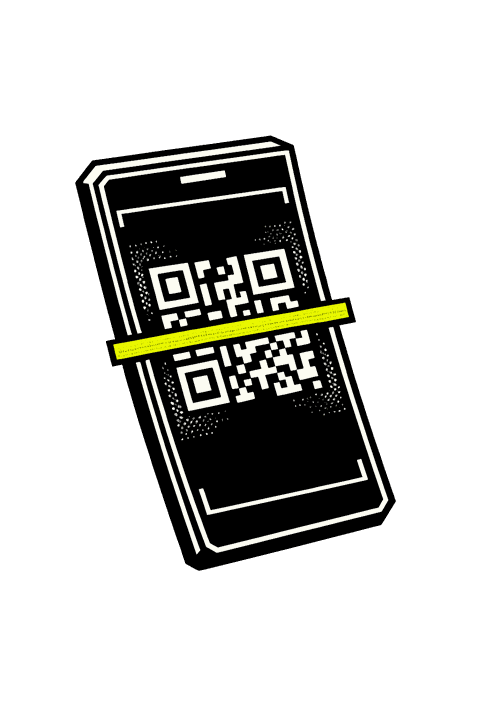
Add your device
Download our app for your device and sign in — settings arrive on their own. Prefer an app you already use, or a device we don't cover yet? A QR code sets it up the same way.
-
3

Connect
One tap. When routes are refreshed or your plan changes, the app picks it up automatically.
Pricing
Simple pricing
Every plan includes fast servers, backup routes and the same privacy protections. Longer terms cost less — see the panel after signup.
Starter
Phone + computer. Server picked automatically.
$2,49 / month
- 2 devices
- Server picked automatically
Standard
More devices, more traffic — the plan most people pick.
$4,49 / month
- 5 devices
- Exit country choice (coming soon)
Family
The whole household on one subscription.
$6,99 / month
- 10 devices
- Exit country choice (coming soon)
Just testing? One day is $0,39.
No account needed to test: one click on the site gives you a working link for 30 minutes. A full day costs $0.39. 3, 6 and 12-month terms with a discount are available in the panel.
Invite & earn
Bring a friend, earn free days
Every account has a personal invite link. When someone signs up with it and pays for their first subscription, you get 15 extra days on yours — automatically.
-
1
Share your link
Your invite link is in your account page. Send it to a friend any way you like.
-
2
They subscribe
Your friend signs up with your link, tries the service for free, and starts a paid subscription when it works for them.
-
3
You get 15 days
The moment their first payment lands, 15 days are added to your subscription. No forms, no waiting.
FAQ
Frequently asked questions
Short answers to the things people actually ask before signing up.
+ Does it work in Russia?
Yes, the service is available in Russia. We use a current protocol built for mobile networks, and every subscription carries backup routes: if one path becomes slow, the app moves to the next by itself. Connection quality still depends on your operator and your region — which is why the site lets you test it for 30 minutes without an account: check your own connection before you decide.
+ Does my IP address change?
Yes. While you are connected, your traffic reaches the internet through our servers abroad, so sites and apps see our server's IP address rather than your home one. Your provider sees only an encrypted connection to us.
+ Do you keep logs of what I do?
We don't log your browsing — there is no record of the sites you visit. To run the service we store only your email, your subscription state and anonymous traffic totals used for plan limits. The Privacy Policy lists exactly what we process.
+ Which apps do I use to connect?
Our own apps on iOS, Android, Windows and macOS — download, sign in, tap connect. If you'd rather keep a client you already know, or you're on a device we don't have an app for, the panel shows a QR code and a subscription link that work with standard, widely-used clients too. A browser extension is also available.
+ How many devices can I connect?
It depends on the plan — from 2 up to 10. Each device has its own key, and you can replace or revoke a device from the panel at any time without touching the others.
+ How can I pay?
By bank card, SBP, or with Telegram Stars. Payment happens on the payment provider's own page — card details never reach us — and your subscription is activated in the panel as soon as the payment is confirmed.
+ Is it fast enough for video?
Yes. Our servers sit on fast connections, and the mobile-friendly connection method copes well with weak signal. HD streaming and video calls work normally.
+ What happens if a route stops working?
Your subscription link always serves the current set of routes. When one degrades, your app pulls the updated list and moves to a backup automatically — you do not need to reinstall or reconfigure anything.
+ Can I try it before paying?
Yes — one click on this site gives you a working link for 30 minutes, with a country of your choosing, and no account at all. A full day costs $0.39 if you want more time to decide.
+ Is it legal to use a VPN?
In most countries, yes — using a VPN to protect your privacy is legal. A few countries restrict or regulate VPN use, so check the rules where you live. Our terms do not allow the service to be used for anything illegal.
Ready in two minutes.
Create an account, open the app, connect. You can test it free for 30 minutes before you pay, and a full day costs $0.39.
Create your account